The Dubai Police provide an online “File Criminal Complaint” service through its website and mobile application. This step-by-step guide explains how to file a criminal complaint in Dubai apply and use the Dubai Police web service.
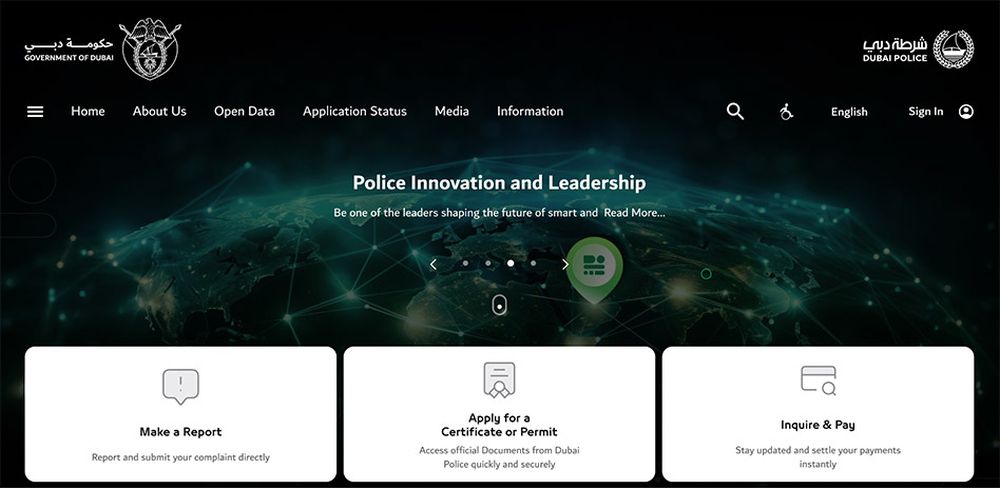
Step 1: Open the Dubai Police portal and select “Make a Report”
Start from the Dubai Police website or mobile application. From the main services screen, select “Make a Report”. The portal presents a number of reporting options, including criminal complaints, e-crime reports, bounced-cheque reports and other services.
Step 2: Choose “File Criminal Complaint”
Within “Make a Report”, select “File Criminal Complaint”. This opens the digital filing service. The service panel shown in the screenshots identifies the service as free of charge and gives an indicative duration of four working days. This is an administrative service indication, not a guarantee that the complaint or any subsequent investigation will be concluded within that period.